How to make the Hotel Lobby AI video
There are three ways to make it. They differ in cost and effort, and above all in how closely the result follows the original moves. Start with the photos, then pick a method.
Updated September 25, 2026
Before you start: the two photos that work
Every method starts from photos, and the photos decide most of the result. Get these right once and you can reuse them for all three methods.
- One person per photo. Crop group shots so only the person you want is left in the frame.
- Facing the camera. A straight-on face with both eyes visible swaps far better than a profile or a tilted head.
- Waist-up or full body. The outfit carries over into the video, so include it.
- Good, even light. Skip heavy filters, sunglasses and hands over the face.
- A clear original. Use the photo itself, not a blurry screenshot of it.
Decide now who stands on the left and who stands on the right. In the original performance the two sides have different moves, so the choice changes who does what.
Method 1 – One-click generator (same moves, original audio)
This is the only method that keeps the original choreography. The generator uses the real performance as its base and replaces the two performers with the people in your photos, so every point, turn and beat lands where it should.
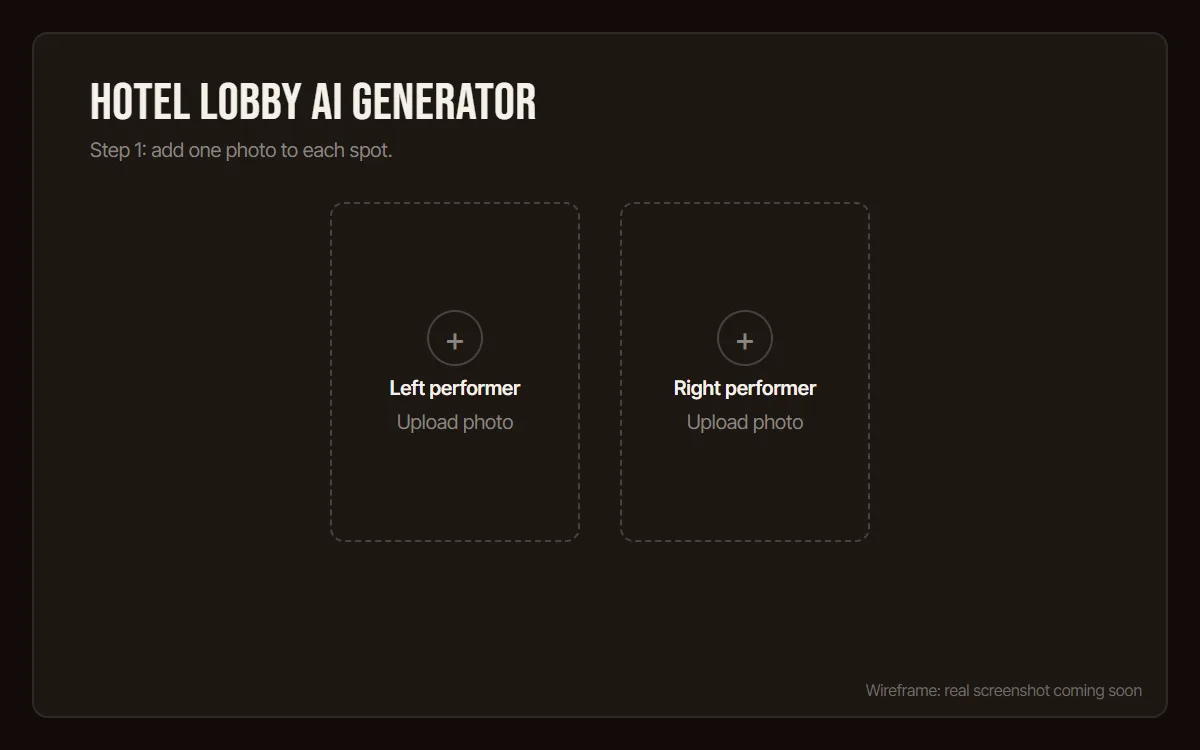
1Upload two photos
Open the Hotel Lobby AI generator and add one photo to the left slot and one to the right slot. One person per photo.
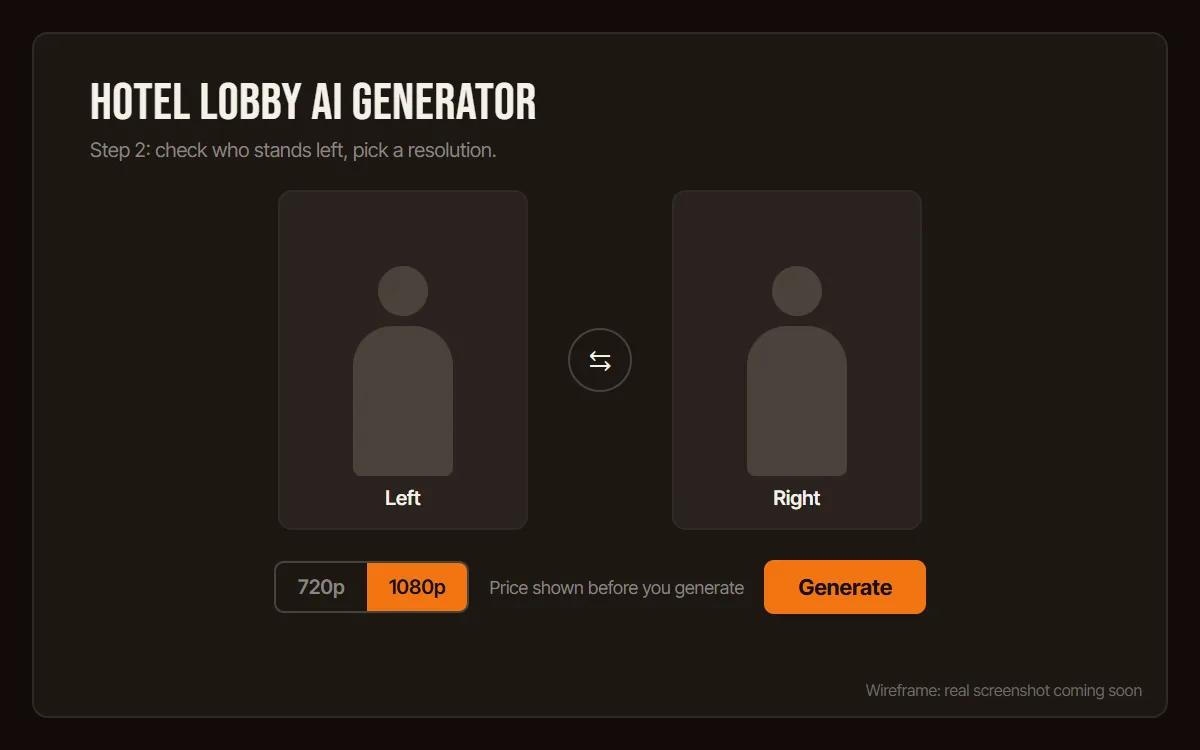
2Pick who stands left
The left photo replaces the performer on the left. Use the swap button if you want them the other way round, then choose 720p or 1080p. The price is shown before you generate.
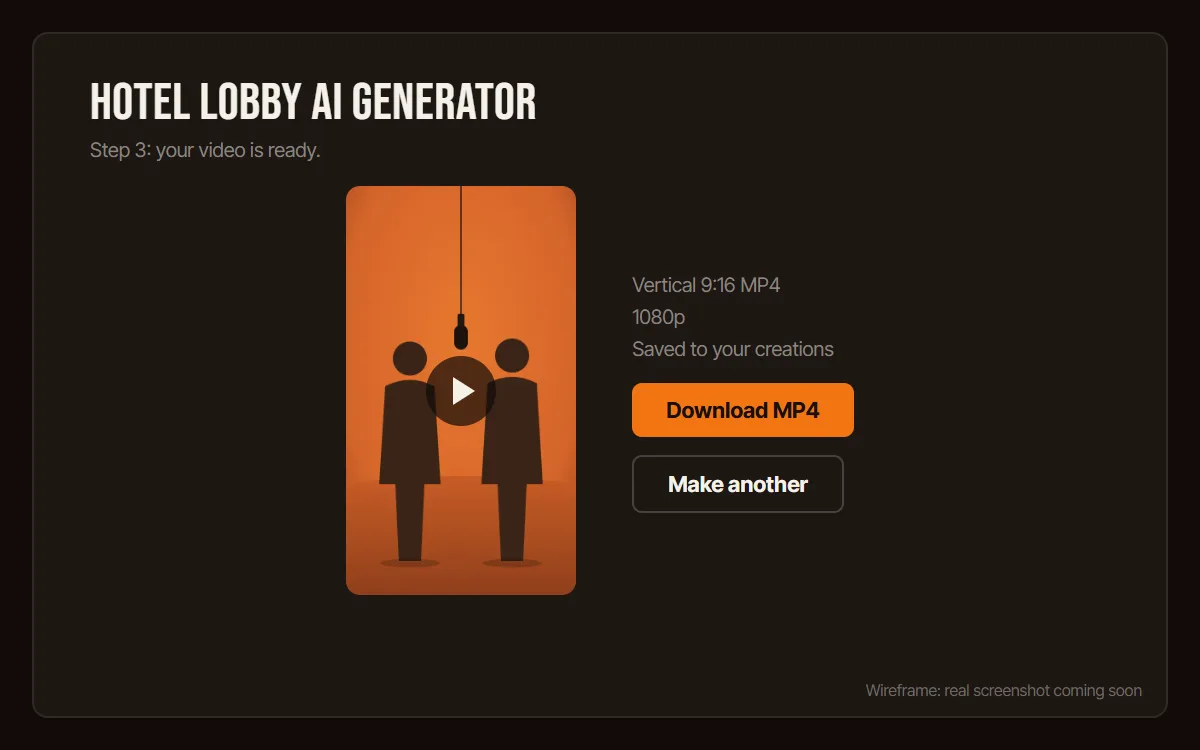
3Generate and download
Press Generate. The clip is usually ready in 3 to 6 minutes and is saved to your creations, so you can leave the page. Download the vertical MP4 and post it.
- Time
- Usually 3-6 minutes
- Output
- Vertical 9:16 MP4, 720p or 1080p
- Cost
- Paid per video, price shown up front
- Watermark
- None
Method 2 – CapCut template (free, but it's a face swap)
CapCut has user-made Hotel Lobby templates. They are free and quick, but a template is a fixed video with your photo pasted over the faces, so the bodies, the moves and the timing belong to whoever made the template.
- Open CapCut (phone app or desktop) and go to Templates.
- Search for hotel lobby and open a template whose preview shows the orange booth.
- Tap Use template and add your photos in the order the template asks for.
- Preview the result, then export and share.
The catch
- The moves don't match the original. You get the template creator's clip with new faces on top.
- Free exports can carry a CapCut watermark or end screen.
- Length, cuts and framing are fixed by the template, so you can't extend or re-time it.
- Templates come and go. If one disappears, search again.
Method 3 – Write your own prompt (Kling, Veo, Sora)
If you would rather build it yourself, any current video model can get close to the look. Kling, Veo and Sora all take a text prompt plus an optional start image. Starting from a photo of your two people (image-to-video) keeps their faces far closer than text alone.
Start with this prompt and adjust the people and outfits:
Vertical 9:16 video. A seamless matte-orange studio booth: curved backdrop and floor in the same flat orange, soft even light, no visible edges or corners. A single black microphone hangs from the ceiling on a thin cable, centered between the two performers. Two people stand side by side, facing the camera. They take turns performing a rap verse straight to the lens: pointing at the camera, gesturing with their hands, stepping and turning on the beat, while the other one nods along. Locked-off camera at chest height, full bodies in frame, no zoom, no cuts. No captions, no subtitles, no text, no logos.
Variants for couples, pets, kids and solo videos, plus a negative prompt and settings, are on the Hotel Lobby AI prompts page.
Expect randomness. The same prompt gives different moves every time, and no model reproduces the original choreography from text alone. Budget several attempts and keep the best one.
Common problems
- The face doesn't look like the person
- Use a sharper, front-facing photo with even light, and crop so the face is larger in the frame. Remove sunglasses and heavy filters.
- The wrong person is on the wrong side
- In the generator, swap the left and right photos. In a prompt, describe each person by position, for example "on the left, a woman in a red jacket".
- The background isn't orange
- This happens with prompts and some templates. Put "seamless matte-orange studio booth" early in the prompt and add "background color other than orange" to the negative prompt.
- The lip-sync or audio is out of sync
- Templates and prompt videos are not timed to the song. Line up the start in your editor, or add the sound in TikTok and nudge it. The generator keeps the original timing.
Which method should you pick?
| Compare | One-click generator | CapCut template | Your own prompt |
|---|---|---|---|
| Cost | Paid per video | Free | Free tiers, then paid credits |
| Time | 3-6 minutes | About 10 minutes | Varies, several attempts |
| Moves | Same as the original | The template creator's | Random, rarely close |
| Watermark | None | Possible on free exports | Depends on the tool |
| Audio | Original track | The template's sound | Add it yourself |
Short version: if you want it to look like the real thing, use the generator. If you want free and fast and don't mind different moves, use a CapCut template. If you enjoy tinkering, write a prompt.
How-to FAQ
How long does it take to make a Hotel Lobby AI video?
With the one-click generator, usually 3 to 6 minutes. A CapCut template takes about ten minutes including export. Writing your own prompt takes longer, because you will usually need several attempts.
Can I make the Hotel Lobby AI video for free?
Yes, with a CapCut template or the free tier of a video model, but neither copies the original moves. The one-click generator is paid per video.
Why doesn't my video match the original moves?
CapCut templates and text prompts don't use the original performance, so the moves belong to the template creator or are invented by the model. Only a tool that uses the original performance as its base keeps the choreography.
What photos should I use?
One person per photo, facing the camera, in good light, waist-up or full body so the outfit carries over. Crop group photos first.
Ready to put your people in the booth?
Upload two photos and get a 1080p vertical video in a few minutes.